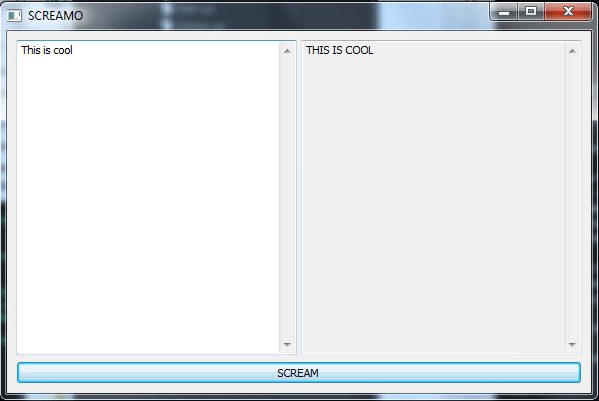
이것도 나름 괜찮은 방법 일수도 있긴 합니다만. 실제로 파이썬이나 다른 Managed 언어들의 GUI관련 패키지들을 보면 이와 비슷한 형태로 레이아웃 구성을 하고 이벤트 처리를 담당할 메소드 지정을 하는 등의 비슷한 구성을 쉽게 찾아 볼 수 있습니다만.
이게 문제가 ;; 가독성이 좋아 보이는것 같으며서도 좋지 않다는 것이지요. 예를들어..
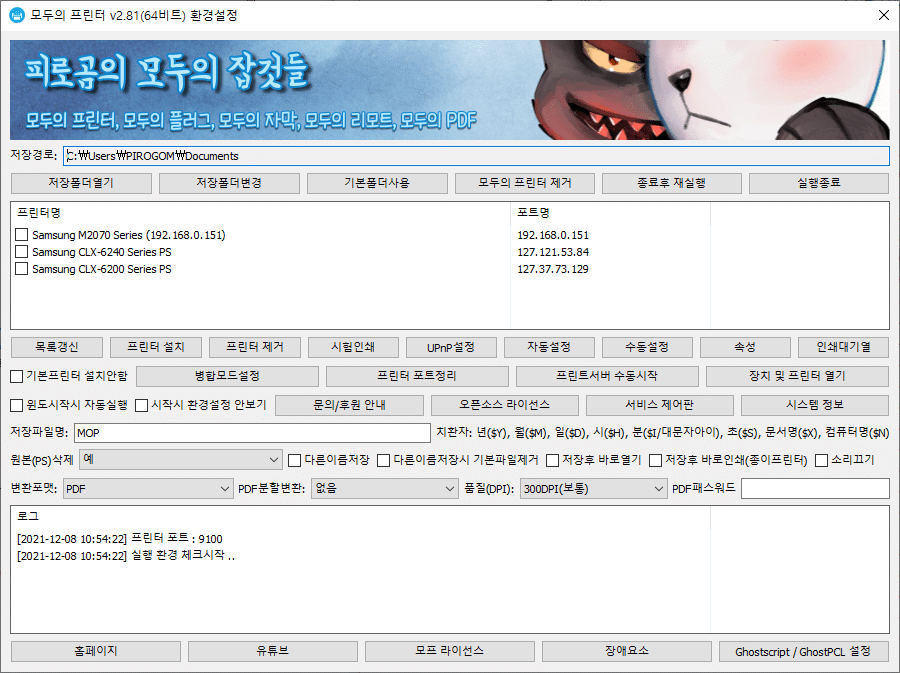
모두의 프린터 환경설정과 같이 다양한 UI 요소가 매우 많이 존재하는 경우에는 저러한 레이아웃 관련 코드의 나열이 오히려 가독성도 해치고 구조의 Depth 가 깊어져 가면서 가독성이 매우 안좋아 집니다. 물론 제 개인적인 생각이지만요. 그런 이유로 저는 저 declarative 라는 패키지를 사용하지 않고.
따로 walk_wrap.go 라는 파일에 declarative 의 역할을 대신 직접적으로 함수들을 호출해가며 동작해주는 놈을 만들어서 모두의 프린터, 모두의 PDF에서 사용중입니다.
제가 쓰는 코드는
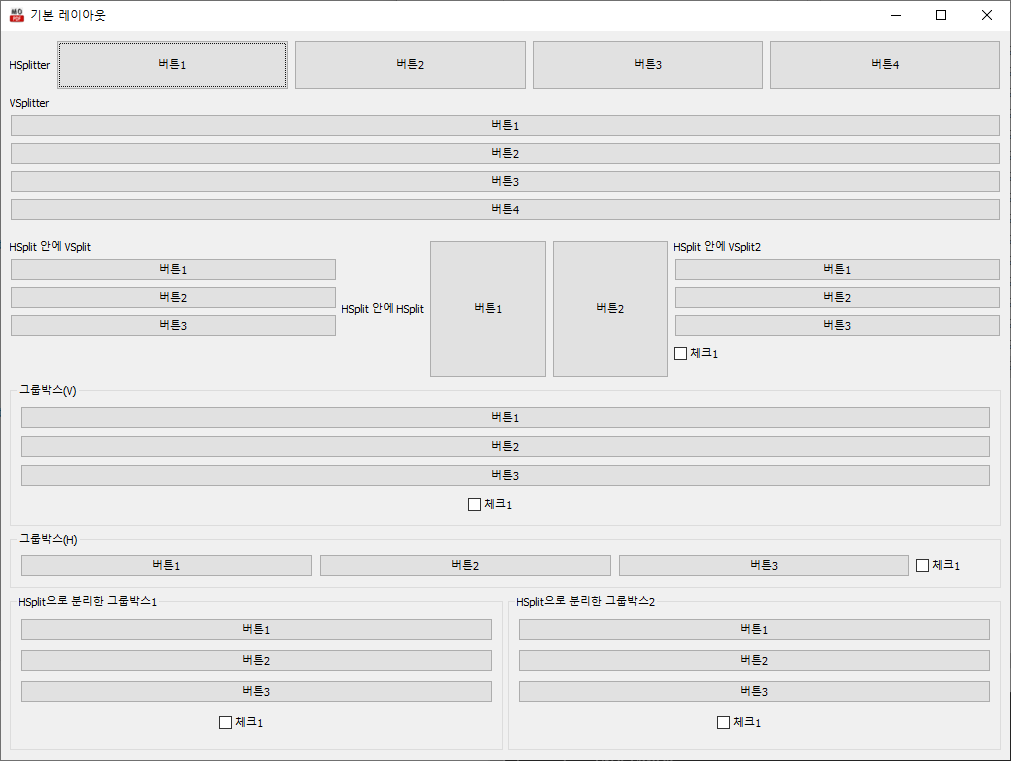
Go// HSplittermgr.HSplit()mgr.Label("HSplitter")mgr.PushButton("버튼1",func(){})mgr.PushButton("버튼2",func(){})mgr.PushButton("버튼3",func(){})mgr.PushButton("버튼4",func(){})mgr.EndSplit()// HSplit, VSplit 사용후엔 EndSplit!!// VSplittermgr.VSplit()mgr.Label("VSplitter")mgr.PushButton("버튼1",func(){})mgr.PushButton("버튼2",func(){})mgr.PushButton("버튼3",func(){})mgr.PushButton("버튼4",func(){})mgr.EndSplit()// HSplitter + VSplittermgr.HSplit()mgr.VSplit()mgr.Label("HSplit 안에 VSplit")mgr.PushButton("버튼1",func(){})mgr.PushButton("버튼2",func(){})mgr.PushButton("버튼3",func(){})mgr.EndSplit()// End of VSplitmgr.HSplit()mgr.Label("HSplit 안에 HSplit")mgr.PushButton("버튼1",func(){})mgr.PushButton("버튼2",func(){})mgr.EndSplit()mgr.VSplit()mgr.Label("HSplit 안에 VSplit2")mgr.PushButton("버튼1",func(){})mgr.PushButton("버튼2",func(){})mgr.PushButton("버튼3",func(){})mgr.CheckBox("체크1",false,func(){})mgr.EndSplit()mgr.EndSplit()// End of HSplit// 그룹박스 Verticalmgr.GroupBox("그룹박스(V)",true)mgr.PushButton("버튼1",func(){})mgr.PushButton("버튼2",func(){})mgr.PushButton("버튼3",func(){})mgr.CheckBox("체크1",false,func(){})mgr.EndGroupBox()// 그룹박스 Horizen..mgr.GroupBox("그룹박스(H)",false)mgr.PushButton("버튼1",func(){})mgr.PushButton("버튼2",func(){})mgr.PushButton("버튼3",func(){})mgr.CheckBox("체크1",false,func(){})mgr.EndGroupBox()mgr.HSplit()mgr.GroupBox("HSplit으로 분리한 그룹박스1",true)mgr.PushButton("버튼1",func(){})mgr.PushButton("버튼2",func(){})mgr.PushButton("버튼3",func(){})mgr.CheckBox("체크1",false,func(){})mgr.EndGroupBox()mgr.GroupBox("HSplit으로 분리한 그룹박스2",true)mgr.PushButton("버튼1",func(){})mgr.PushButton("버튼2",func(){})mgr.PushButton("버튼3",func(){})mgr.CheckBox("체크1",false,func(){})mgr.EndGroupBox()mgr.EndSplit()mgr.StartForeground()
이런 코드로
이런 짓이 가능합니다. 원하는 부분부분을 함수 호출을 하는 코드단위로 분리가 가능하기 때문에 특정 함수단위로 쪼개서 기능을 처리도 가능 하겠지요. 동적으로 UI요소를 추가도 가능하구요.
따로 패키지로 뺄 정도의 내용은 아니라서 저는 go파일 하나에 때려 넣고 쓰는 중이라 ..